Blog / Restaurant resources
How To Link Your Menu To Instagram
Follow this step by step process to add your Web Based Menu Link to you Facebook Page
With over 1 Billion Active Users, Instagram is a powerful and easy platform to begin marketing your restaurant.
Follow this step by step guide to link your Web Based Menu to your Instagram page.
Instagram has 3 different types of accounts; Personal, Business, and Creator accounts. In order to add a website link to your pages “bio”, your instagram page must either be a Business or Creator account. Click here to see the benefits of each type of account.
Linking your Web Based Menu to your bio helps follower and potential customers who come across your page the ability to instantly view your entire menu.
For your convenience we have completed this guide for both desktop and mobile versions. Click the icon below that corresponds with the device you will be setting this up on.
MOBILE
DESKTOP
DESKTOP VERSION
Head to Instagram.com
-
Navigate to www.Instagram.com
-
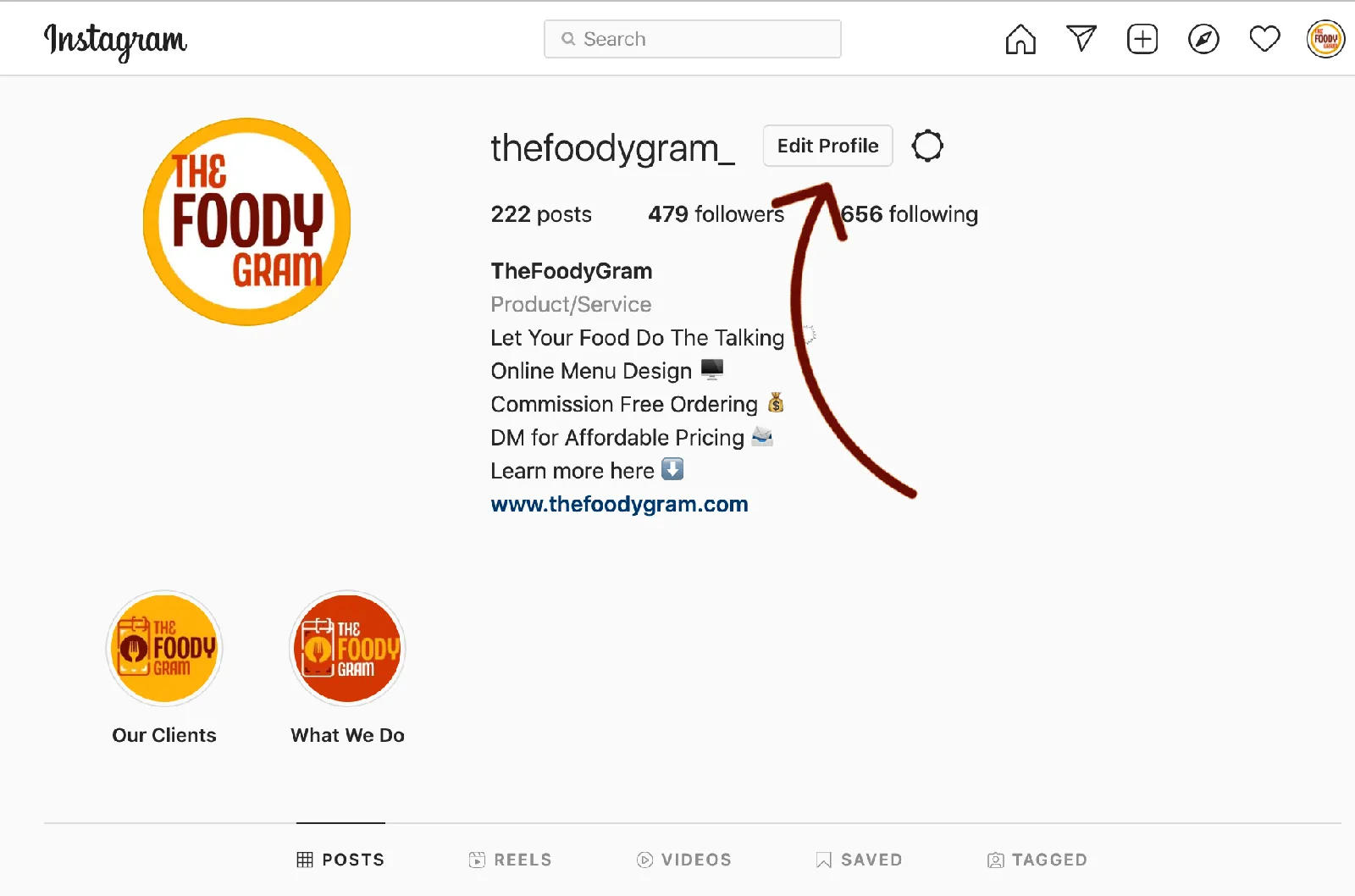
Click on Your Profile Picture in the Top Right Corner.
A drop down may appear, select Profile from the Drop down.
-
Click Edit Profile
-
Add your link to the section labeled Website. Click Submit to save changes.
-
You’re All Set!
MOBILE VERSION
Open Instagram App
-
Open your Facebook App
-
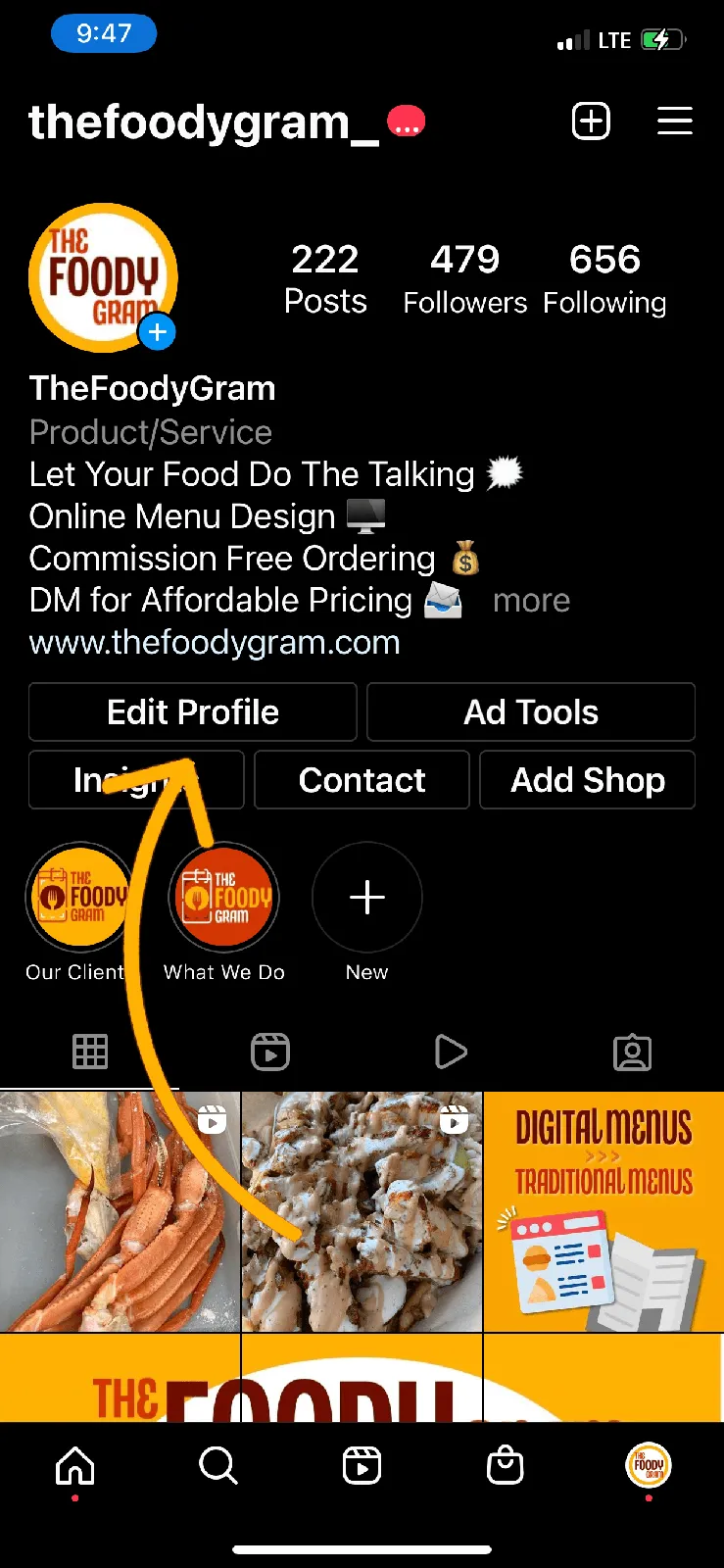
Navigate to your page via the profile button
-
Click Edit Profile
If you do not have a Creator or Business account, please follow the prompts to changing
-
Click Website and add your Web Based Menu Link
-
Hit Done in the top right corner
-
You’re All Set!